
Your VX4 Adventure Begins!
01
Get Started: Unboxing and Quick Installation
Connect the cables and insert them into the stem, then add the handlebar on the stem and tighten the four screws.
Make sure that your scooter is charged and that the charge is enough for your trip. Wear a helmet when riding and first try the scooter out in a safe area (e.g. parking lot).
For more information please download the PDF Manual here >>>

02
Check Tire Pressure
Pump tires to the manual’s highest recommended pressure for up to 10% more range. Our recommendation is 2.5 to 3 bar/ 36–43 PSI, depending on the rider weight. More weight means more pressure is needed. Make sure to check tire pressure regularly.
If you’re looking for a smoother ride, then you may want to keep your tires inflated towards the lower end of the recommended amounts. In this case, a softer tire means less road shock, but also less range.

03
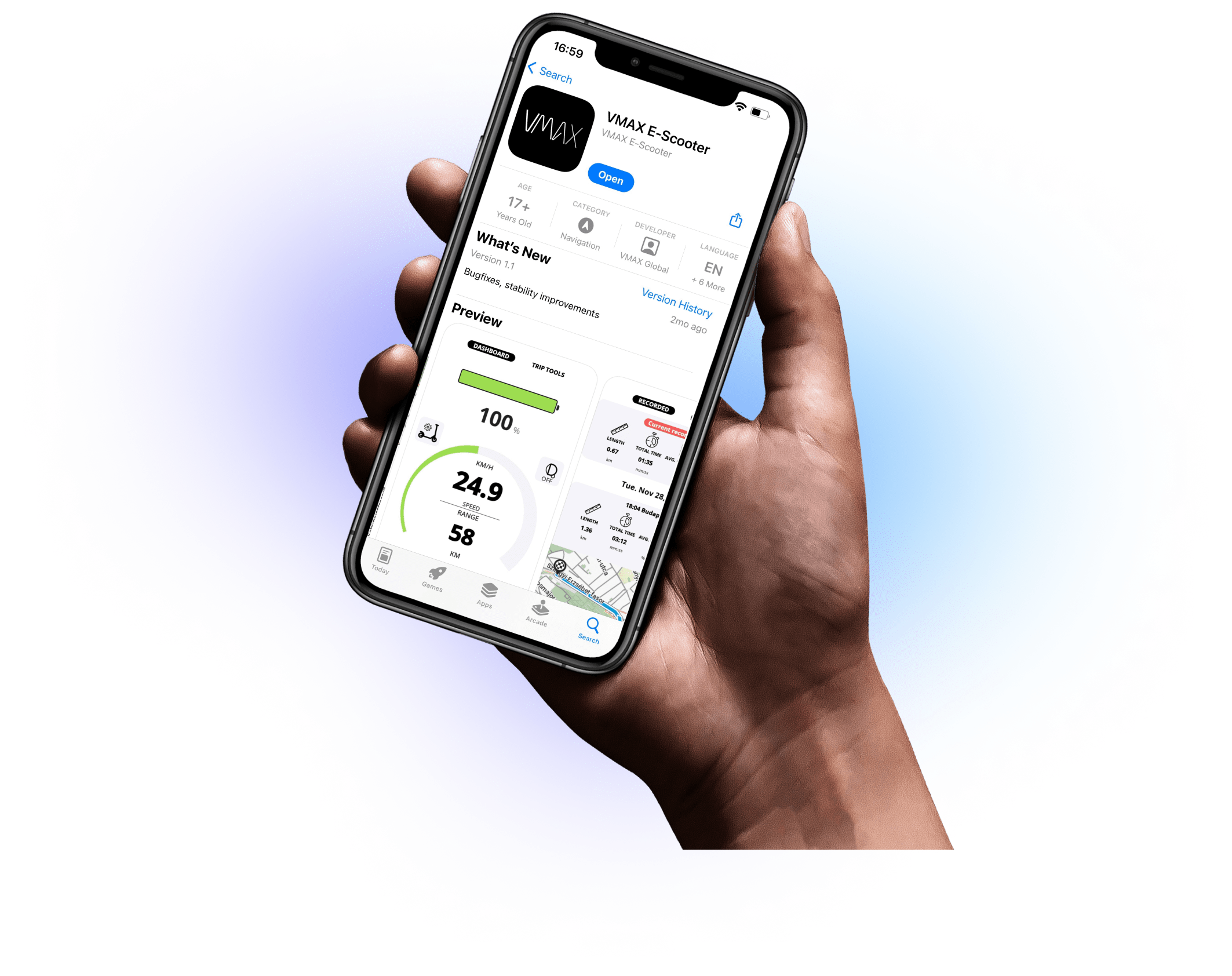
Download VMAX E-Scooter App
To get more tips, you can install VMAX E-Scooter App (available for iOS and Android) and connect your scooter to your cell phone via Bluetooth.
The app offers you a lot of useful information about your scooter and helps you plan your VX4 rides in advance.
The app is not needed to operate your scooter.

Functionality
Beast Mode (from 21.7mph to 25mph)
To activate: Tap the ON button five times to shift from Mode 1 to Mode 2.
The scooter won’t beep or react in any way, but top speed will change. Lift the rear tire off of the ground with your foot and thumb the throttle in zero-start mode to check the firmware limited top speed. Make sure to watch this >>> Youtube Short explanation.

Cruise Mode
Cruise Mode keeps the throttle on so you don’t have to hold it.
To activate: Tap the ON button three times to activate Cruise-Mode for those long, relaxing rides. Want to revert? Just tap the ON button three times again.
A quick note: This does NOT set your current speed as the “cruise” speed, like it does with a car. Rather, when you have cruise mode enabled and have been at max throttle or at the same speed for several seconds in a row (about 5 seconds), then you can release the throttle and it will keep your set speed. Turn off by using brake, or engaging the throttle again for 1/2 second or more.
Eco to Sport Mode
To activate: Tap the ON button once to switch from Eco-Mode to Sport-Mode. The bottom right-hand corner will switch from “1 ECO” to “2 Sport”
Kick-start or Zero-start mode
To activate: Tap the ON button four times to switch your scooter from requiring a kick to start to starting from zero with just the throttle.
- Kickstart (recommended for beginners): safer option, as the scooter only accelerates once it’s rolling and both feet are on the footboard.
- Zero start: allows immediate acceleration from a standstill, but can cause the front wheel to lift if weight is shifted back.
- Both modes can also be managed through the app settings.
GOOD TO KNOW
Find more useful information here.
The scooter's mechanical drum brake must be adjusted to your weight before riding.
To do this, turn the adjustment wheel at the bottom of the brake cable either a little further up (the brake then grips more firmly) or down (the brake then grips more gently).
Lift the wheel off the ground and spin the wheel by hand to check for excess drag after adjusting.
The VX4’s left brake lever is a dedicated regenerative brake. If the scooter has a low speed or is switched off, then there is little to no regenerative braking force.
For example, to prevent rolling on a slope, always use the right brake lever which controls the mechanical and regenerative brake.
To set or change your PIN code, turn the scooter on, and then press and hold the “Gear” button to enter “User Settings”. Press the left-arrow button to enter “Personal Parameter Setting” then press “ok”. Press “ok” again to set up your password. Enter the default password of 1, 2, 3, 4 by pressing “left arrow” followed by “ok”, then repeat “left arrow” and ok for the remaining three digits.
Confirm that you would like to enable the password by pressing “ok” one more time or use the arrow buttons to toggle the display to “no” and hit “ok” if you don’t want to enable PIN code locking. After enabling code locking, use the arrow key to move to page 2 if you would like to set a custom PIN. Press “ok” to begin, and then enter the current password again and press “ok”.
Select your new custom PIN by using the arrow keys and “ok” button. Do not forget to write down your new PIN. Then hold down the “gear” button for several seconds to set the new PIN and return to the main menu. Now switch the scooter off, then back on again and enter the new code.
Your VX4 offers you the option of charging your cell phone while driving so that you can use the navigation even on long journeys. For this purpose, a USB-A port is installed below the left control unit.
To use this connection, plug the cable and your cell phone into your scooter when it is switched off and then turn your scooter on. This is the only way to unlock the power supply to the connection.
Unleash your e-scooter potential!
Upgrade your e-scooter riding experience!
Shop our Accessories Below


FAQ
VMAX is Here to Help
We've an extensive Help Center with articles about many different topics. Check it out here >>>
Leave us a message here >>>. Our office hours are Monday to Friday 8am to 4pm PST.
Watch this >>> short explainer video about how to set a password.
First, switch off the scooter. Then, plug in your USB cable (for example, to charge your phone). After that, turn the scooter back on. Note that the USB port will not charge if the cable is connected while the scooter is already powered on.
Download the App to Access More Features!
We are excited to announce that the new VMAX E-Scooter app is available for download in the Apple App Store and Google Play Store.